




Rodin Prime: artificial intelligence inside Rodin 365
for the integrated management of the organization

A native product of Yecom Soft. You ask, and you see the answer on your organization’s data and guides.

No document is recorded without your approval. Purchasing and sales, finance, production and projects are linked in one application, and are configured with selected modules to fit the structure of your organization.

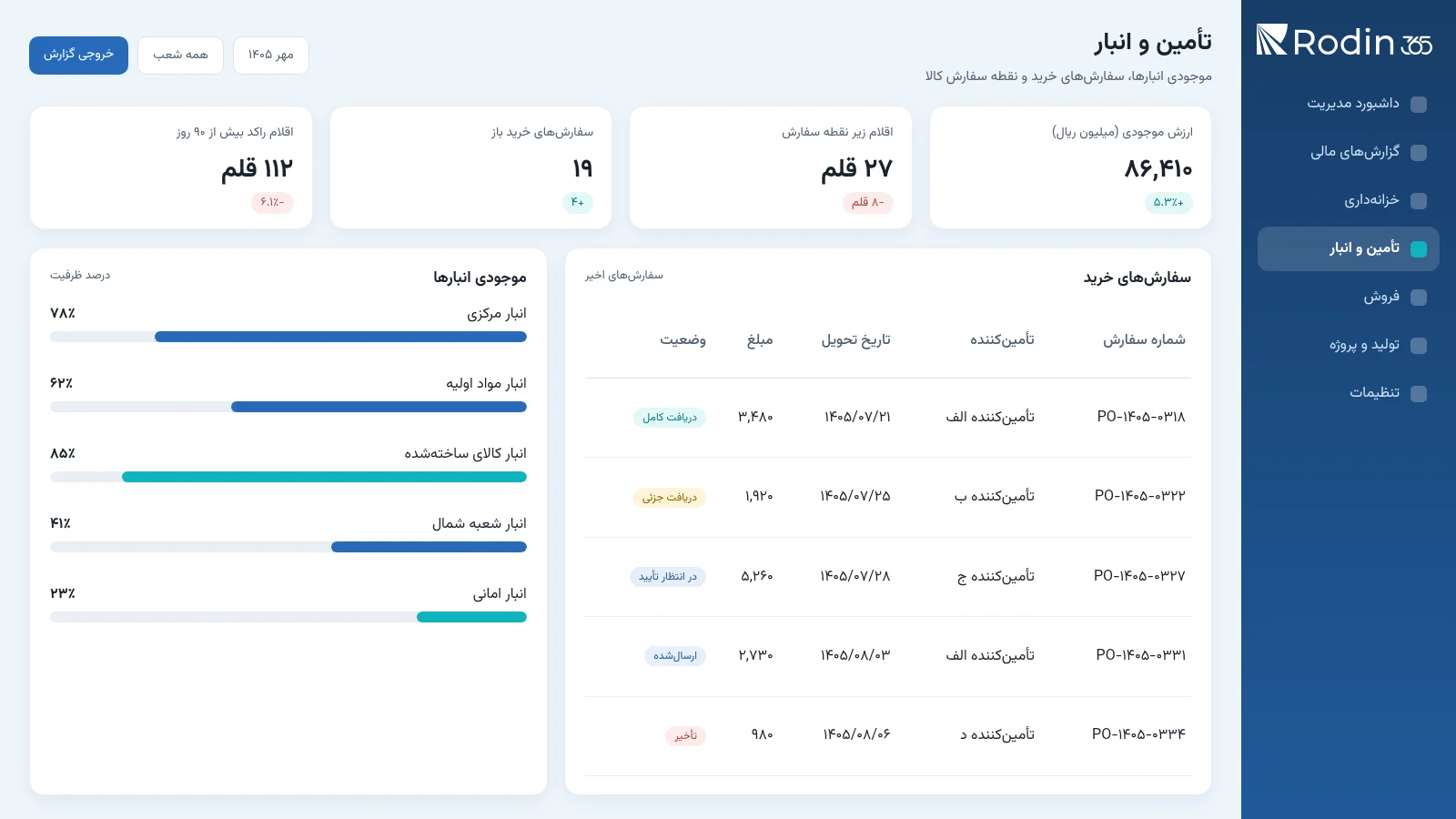
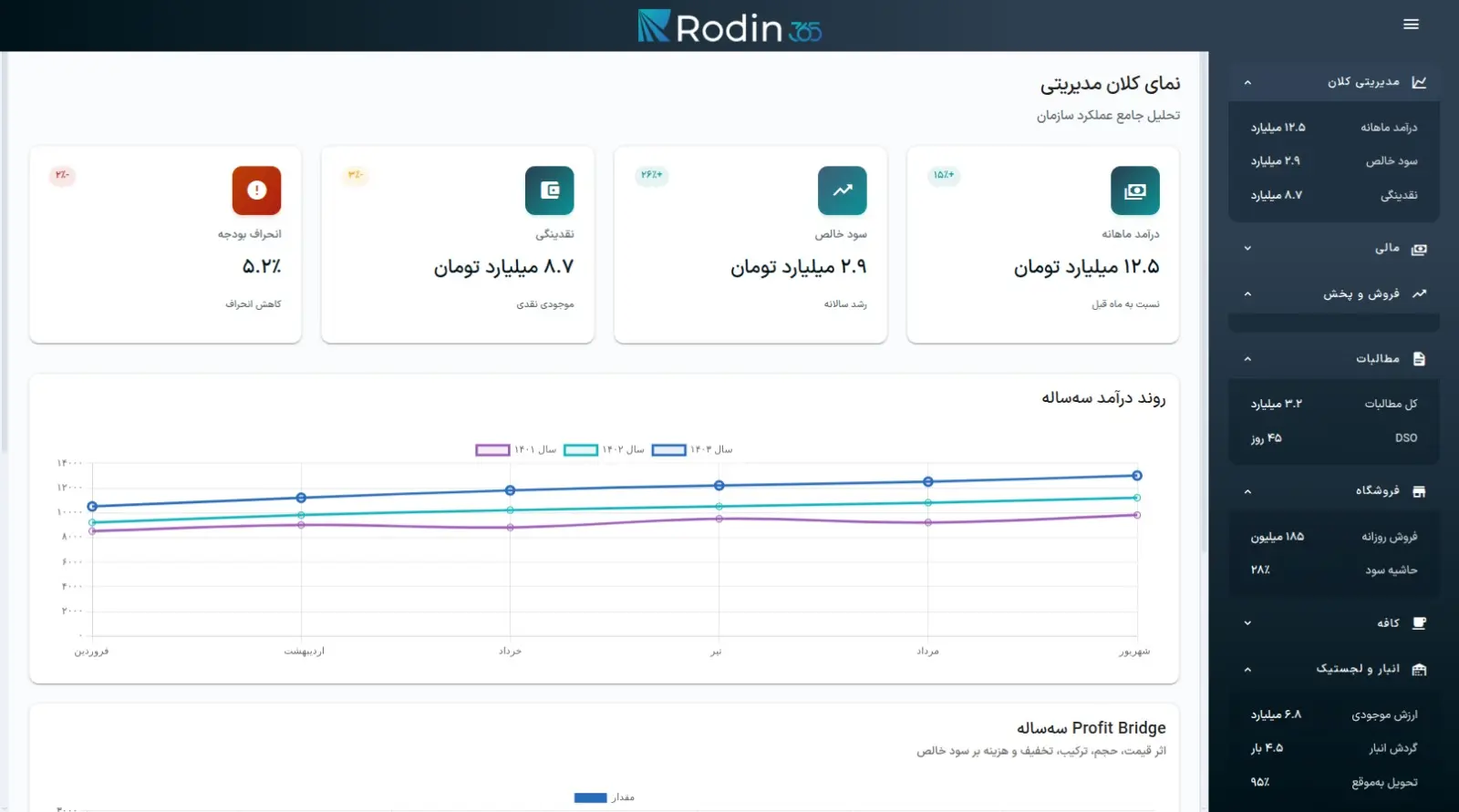
The Rodin 365 management dashboard, including financial, sales and inventory reports
A view of Rodin’s management dashboardThis image contains sample information.

Rodin Prime: artificial intelligence based on your organization’s knowledge

Managers ask what artificial intelligence actually does in organizational software. In Rodin the answer is Rodin Prime: an assistant that replies on your organization’s data and guides, helps the user, and supports the specialist in classifying support requests. The artificial intelligence is a helper, not a decision-maker.

Inside Rodin

Rodin Prime

An AI assistant that answers on your organization’s data and guides, and takes you to the relevant page. It is available from the “Ask Rodin Prime” button on the pages. If an error occurs when a form is recorded, you receive a way forward and, if needed, a support ticket is created. No document is recorded without your approval, and the work is logged and can be followed.
Under the manager’s control

The AI employee

The same rules that apply to an employee of the organization are applied to the AI employee: an approver, a budget ceiling and an emergency stop. The first ready package is a sales customer analyst. Access to Rodin by external AI assistants takes place only after the manager’s approval.

The Yecom Soft family

YecomAI

Yecom Soft’s AI engine converts speech to text, text to speech, and images or documents to text. These capabilities are set out on YecomAI; connecting them to Rodin, if the organization needs them, is reviewed separately. YecomAI website

Answering work questions on the basis of the organization’s guides

Ask your question. To answer and to guide, the assistant uses the procedures and documents that have been introduced by the organization.

  • Questions and answers
  • Use of the organization’s knowledge sources
  • Keeping a history of the conversation
A sample conversation with the assistant
The question

What information do I need to record a wholesale purchase?

A sample answer

Specify the supplier, the branch and the warehouse. Then enter the items, the quantity, the price and the discount of each line. Before approving the invoice, review the amount and the information of the lines.

The basis of this example: the guide to recording a wholesale purchase

The knowledge sources and the tasks of each assistant are agreed at go-live. Correction of the content of the sources is also carried out with the approval of the person responsible.

Artificial-intelligence capabilities

Rodin’s working environment and reports

The units of the organization work with shared information, and each manager has access to the reports in their area of responsibility. In this section, become familiar with Rodin’s working environment.

Management reports fitted to the organization’s structure

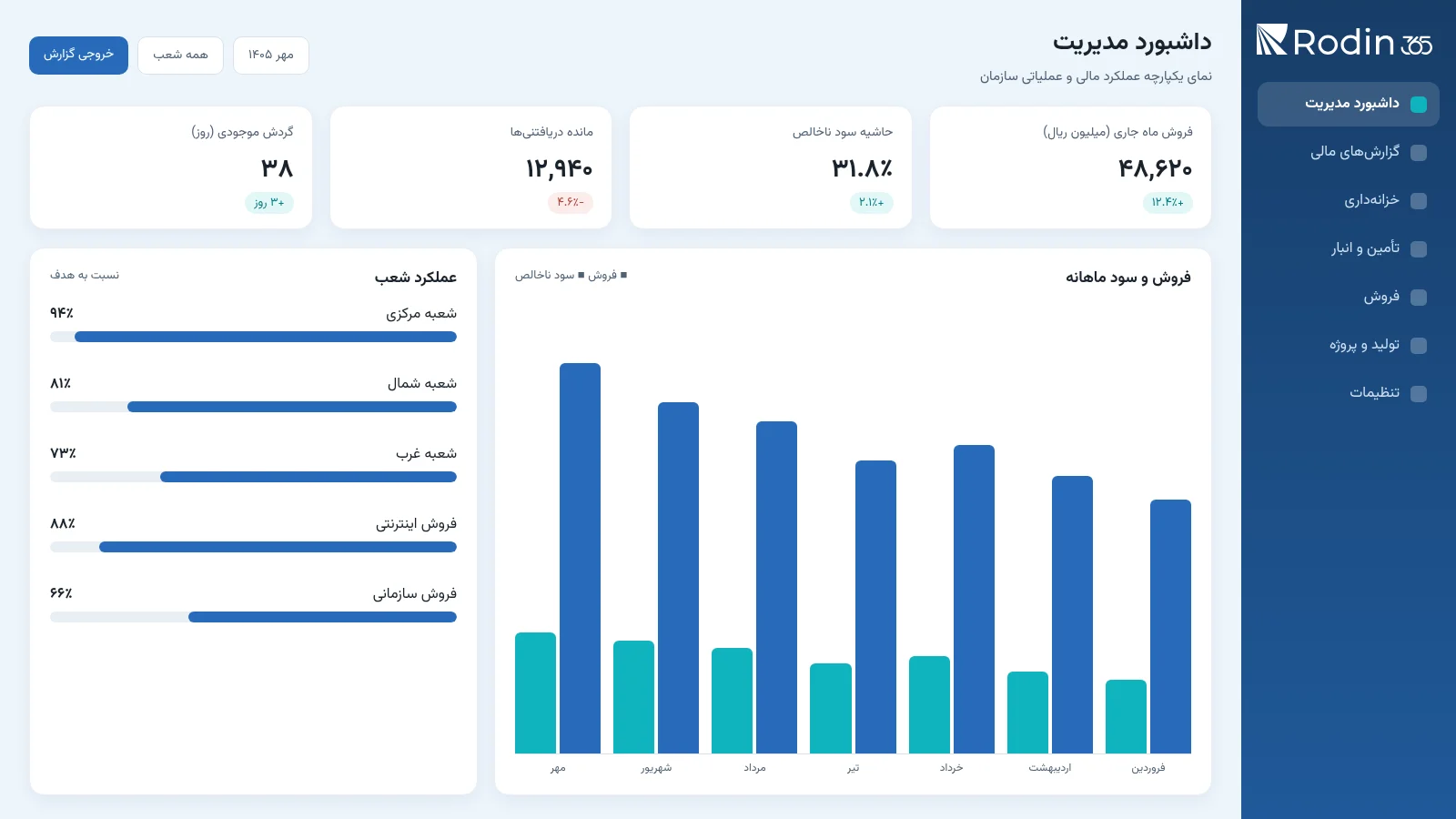
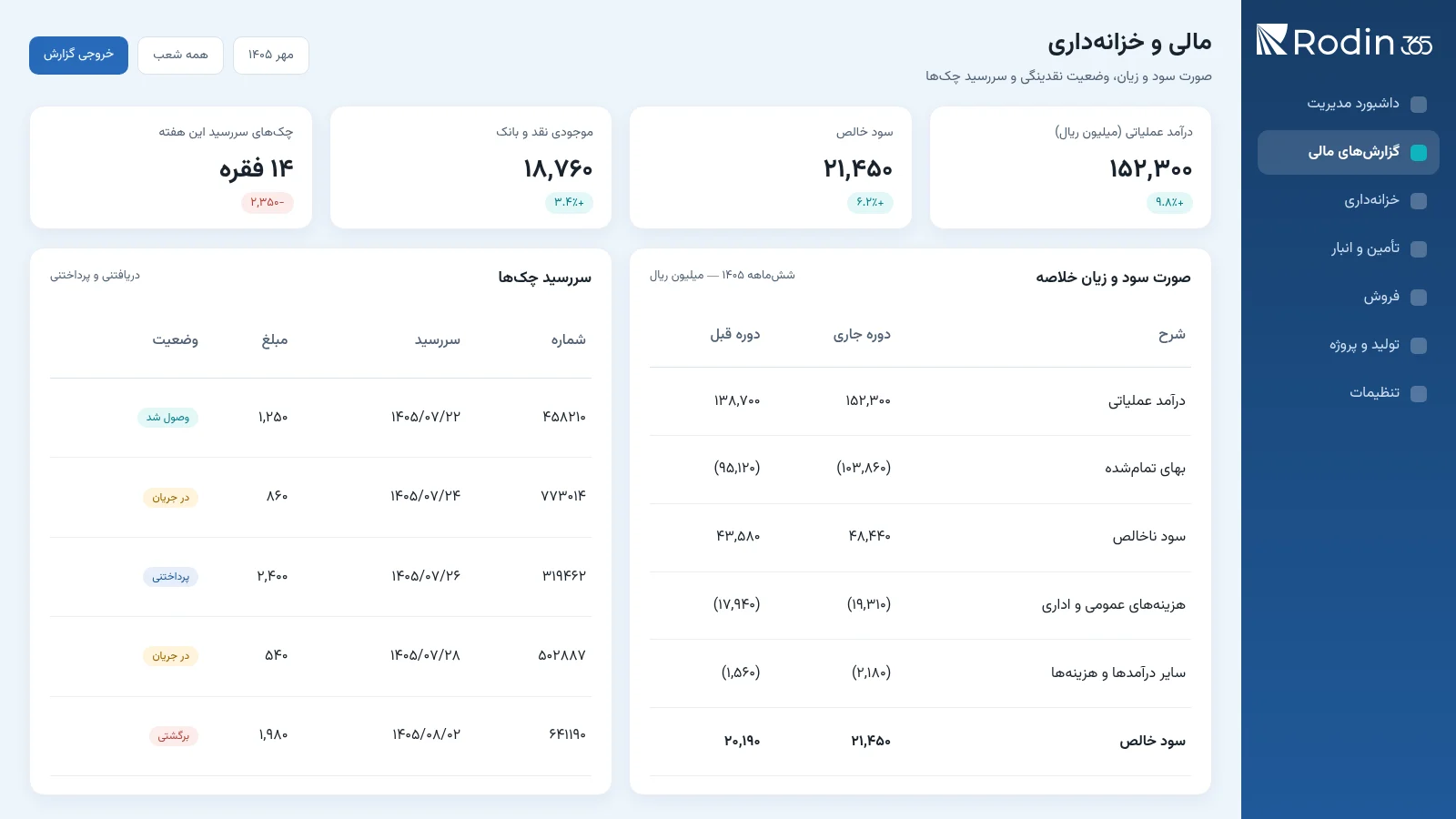
Rodin’s dashboards display financial and operational information by company, branch and time period. Each manager has access to the reports that fit their area of responsibility.

  • A comparison of branch performance and period sales
  • A review of stock and the movement of goods, and identifying idle items
  • A report on receivables, payables and the financial position
Details of the capabilities
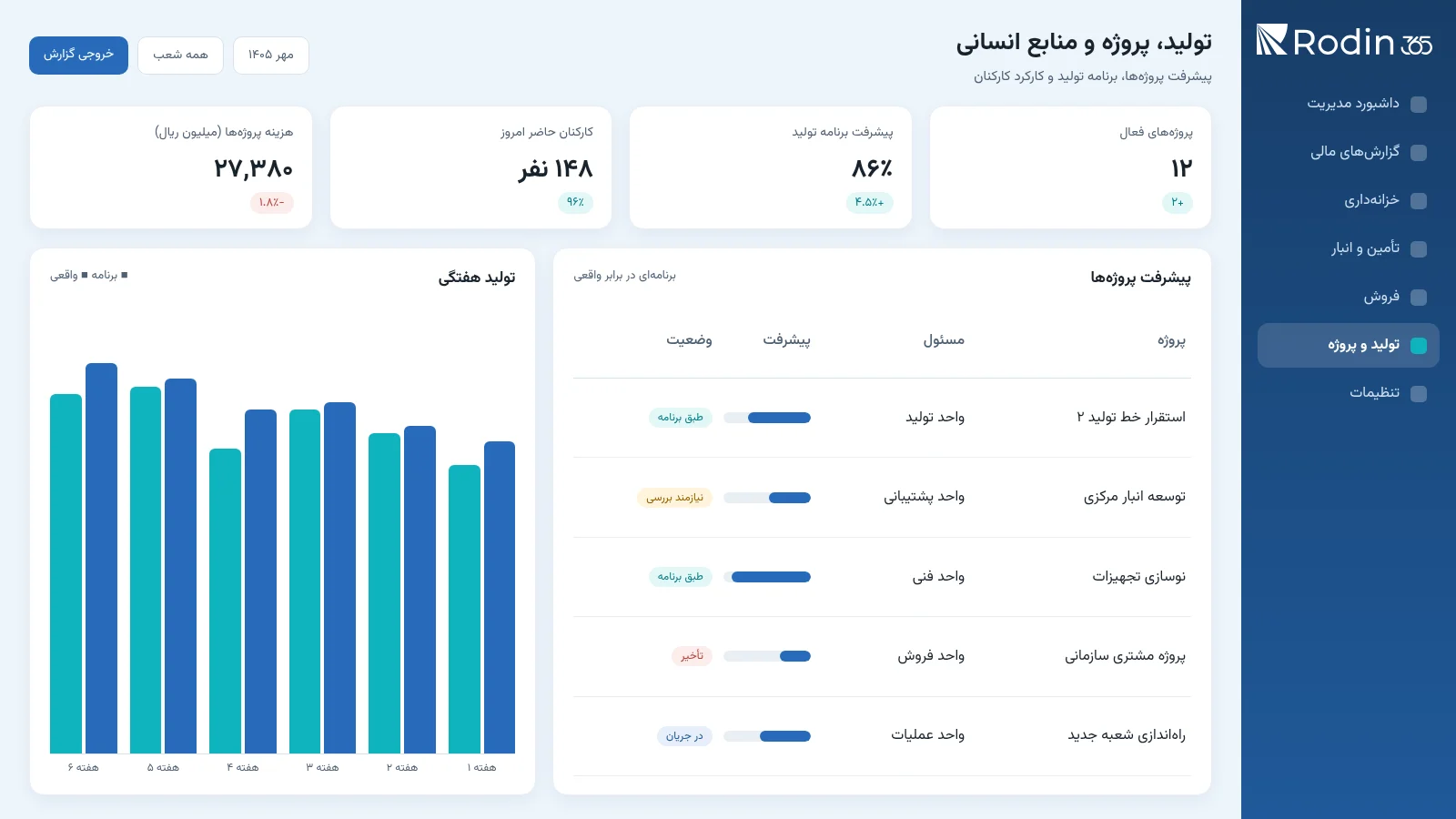
A sample management and reports dashboard in Rodin 365

Rodin’s modules

Choose the modules you need on the basis of the organization’s priorities, and bring other capabilities into use as the activity expands.

The full list of capabilities

Finance and treasury

Manage accounting, treasury and fixed assets in an integrated way, and send invoices to the tax-payers system.

Sales and trade

Follow the order from the quotation to delivery and settlement, with the ability to record a return and to control each customer’s credit.

Purchasing and inventory

Follow purchasing, branch stock and the movement of goods, and settle the accounts of consignment-goods suppliers on the basis of sales in each period.

Production and quality control

Manage the production plan, raw materials and the finished product on the basis of the bill of materials, and measure production cost in connection with sourcing and inventory.

Projects and cost control

Follow the activities, resources and progress of each project, and compare its purchases, revenue and cost with the approved budget.

Human resources

Manage employees’ records, attendance and leave; calculate payroll and record its accounting document.

Process management and workflow

Design processes with Rodin’s process modeller, define the form and the decision rule of each stage, and move the work forward in users’ inboxes.

The online store

Offer the goods in the online store, and follow the online order and payment on the basis of item and customer information in Rodin.

Foreign trade

Follow the file, the letter of credit, the currency, shipping, insurance and clearance of each transaction in one system, alongside accounting and inventory.

The customer club and marketing

Segment customers, build a loyalty programme and email and SMS campaigns, and see the conversation with the customer in one place.

Choose the modules that fit your organization

Specify the field of activity and the main needs, so that the suggested modules and the subject of the demo meeting become clear.

Choosing a solution

Delivery experience in books, publishing and retail

Purchasing from several suppliers, holding consignment goods, recording returns and handling the accounts of branches are everyday needs of bookstores, publishers and retail networks. The experience of these organizations has played a role in the development of Rodin’s capabilities.

This experience, alongside the finance, trade, production and project modules, is the backing for extending Rodin’s solutions in other industries.

Customers and sample projects
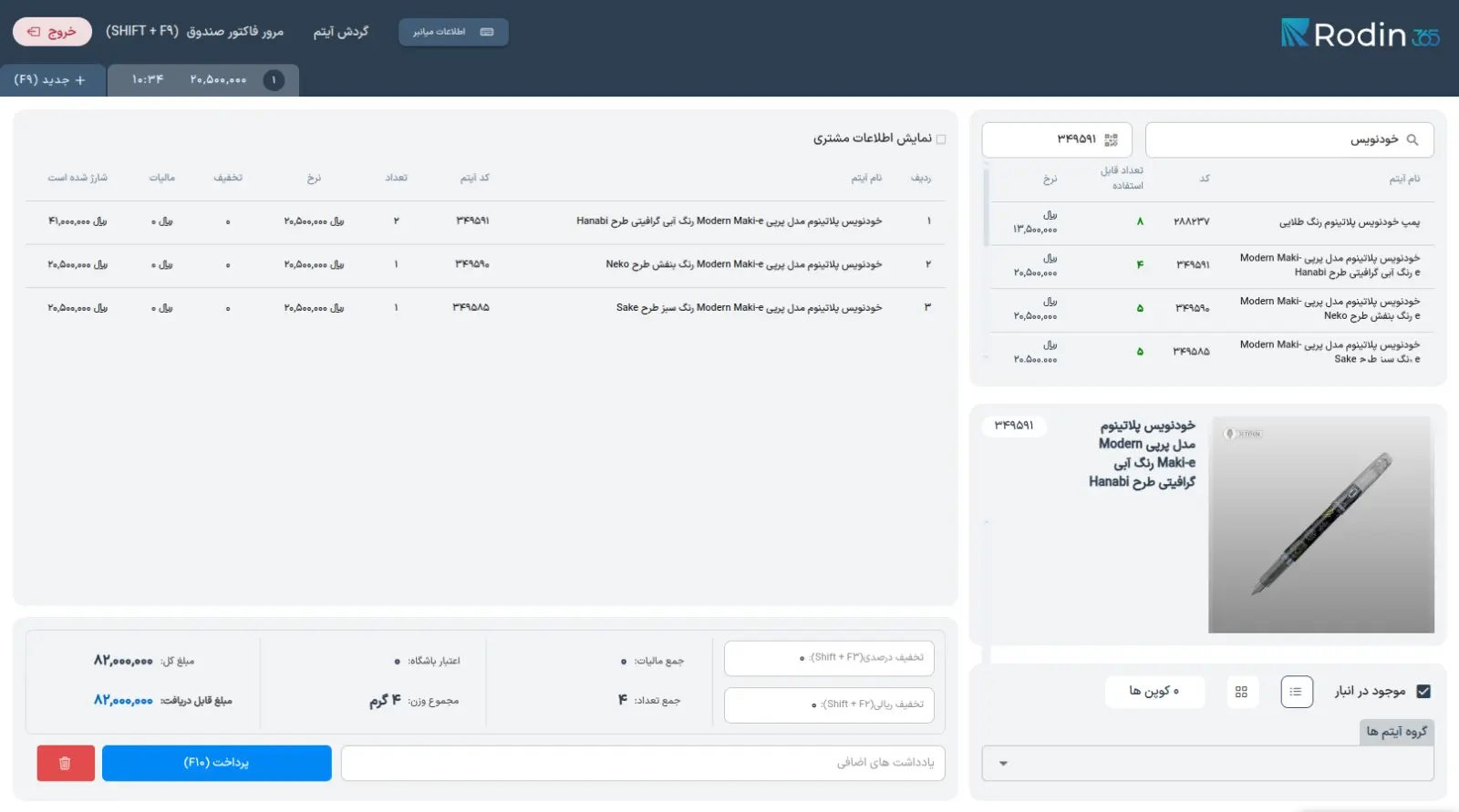
Rodin’s sales-cashier environment, with access to item, customer and accounting information
A sample of Rodin’s cashier environment

Going live with Rodin in your organization

The transfer of information, user training and the start time of work in each department are agreed before go-live.

Deployment and support
  1. 1

    A review of the needs

    We review the main processes and the current software, and we agree the capabilities your organization needs.

  2. 2

    Preparation and transfer

    We configure the structure of companies, branches, accounts and access rights, and we transfer the initial information.

  3. 3

    Training and the start of work

    Users are trained with examples of their daily work, and the start time of work in each department is agreed.

  4. 4

    Support

    Users’ requests are recorded and followed. The scope of the services and the response time are set in the contract.

Frequently asked questions

About choosing modules, installation, the transfer of information and the development of Rodin.

Pricing and services
Can we obtain only the modules we need?

Yes. The combination of modules is chosen on the basis of the industry, the processes and the organization’s priorities. For example, a company can go live with finance, trade and inventory in the first stage, and then add production, projects or human resources to the deployment plan.

Can Rodin be installed on the organization’s server?

Yes. Rodin is web-based and can be deployed on the organization’s server. Server capacity, user access and the backup method are reviewed and agreed before go-live.

Can information from the previous software be transferred?

Whether basic information, stock, account balances and the required history can be transferred is agreed after the previous software’s structure has been reviewed. In the trial transfer, the main figures and reports are reconciled with the source information and are confirmed by your organization’s officials.

What capabilities does Rodin have for managing several branches or several companies?

For each branch you can define the warehouse, the price, the cost centre, the cashier and the level of access. In a multi-company structure the accounts and information of each company are also separated, and reports are made available to managers on the basis of their level of access.

What should be done if some of the organization’s processes are not already provided for in the software?

First, whether the work can be done with Rodin’s settings and workflow is reviewed. If development is needed, a description of the capability, the time to deliver it and its cost are set out in the project proposal before the work begins.

What does Rodin Prime do for your organization?

With Rodin Prime you ask about the documents and guides that have been introduced, and you are taken to the relevant page. In customer services, the type and priority of the request are suggested to the specialist, who reviews them. No document is recorded without your approval. The knowledge sources and the assistant’s tasks are agreed at go-live.

Review Rodin’s capabilities for your organization

In the introduction and demonstration we review the needs of your units, show the related capabilities, and talk about the developments required and the stages of going live.

A guide to choosing capabilities